Feature guide

Interface and panels

Customize a dual-pane workspace that scales across displays and adapts to tabs, metadata, tools, and independent windows.

Detached panels and tabs

  • Use each panel side in a separate full window.
  • Detach an individual tab from its context menu or by dragging it outside the main window, keep it across sessions, and attach it again to either side.
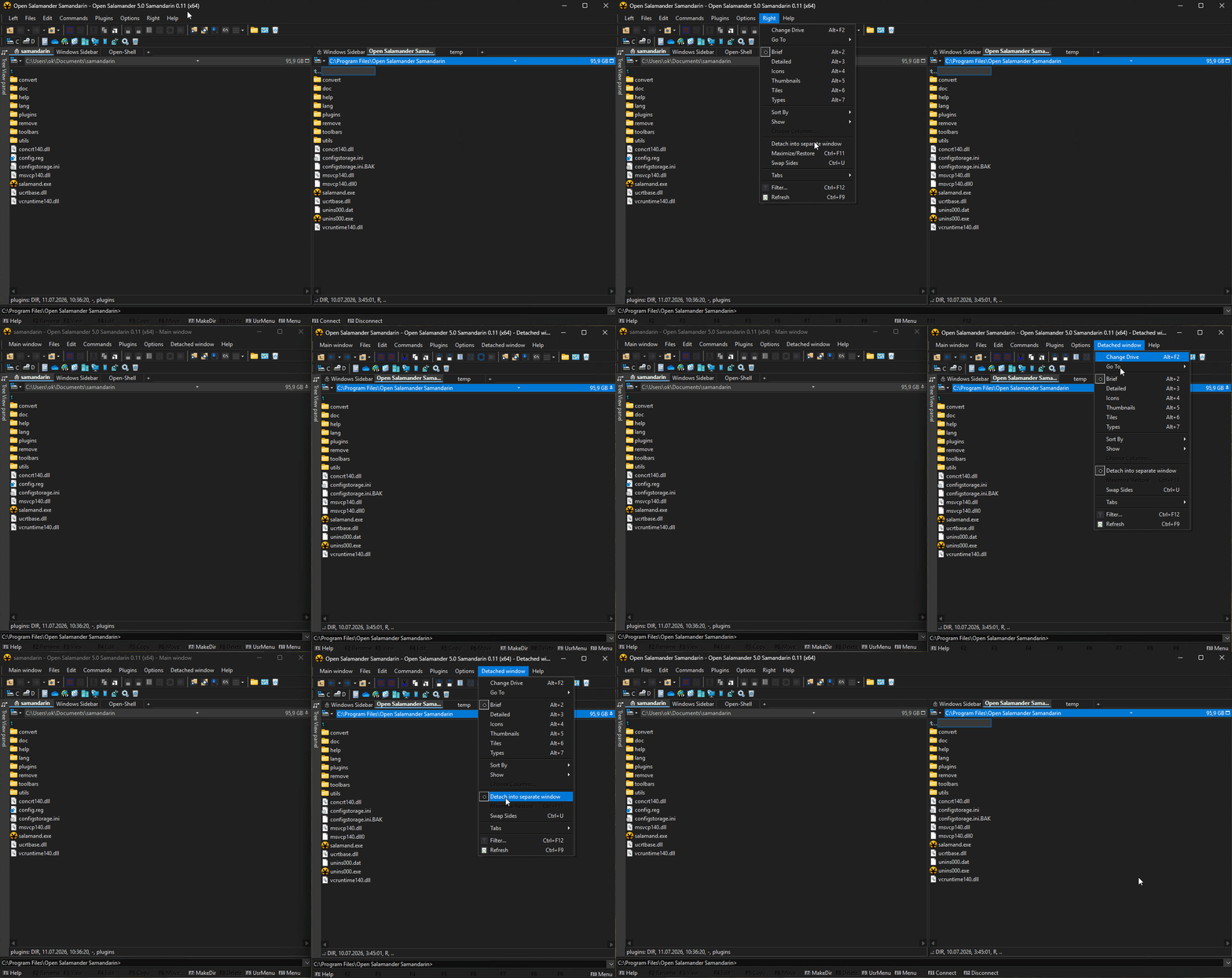
Detached panels demonstration

Tabbed Panels

  • Open multiple folders in each panel side and scroll an overflowing tab bar with the mouse wheel.
  • Hold the right mouse button and use the wheel to switch tabs on one side.
  • Tabs can be locked to protect their location and detached into independent windows.
Tabbed panel barTabbed panels configurationMultiple tabs in Samandarin panels

Shared or separate history

  • Choose whether panels and tabs share folder history or maintain it independently.
  • Forward and backward folder history, including plug-in and extension locations, can be restored after restart.
Shared and separate panel history settings

Dark Mode

  • Complete dark-mode color-scheme support across the main application, dialogs, viewers, and participating plug-ins.
Samandarin Windows Dark Mode color scheme

DPI Awareness

  • Sharper interface rendering on high-DPI and mixed-DPI Windows displays.
  • Dialogs, controls, icons, and panel content scale consistently when moved between monitors with different scaling settings.
Samandarin DPI Awareness preview

Configurable UI and menu fonts

  • Configure fonts consistently for menus, dialogs, viewers, plug-in windows, and panel content.

Windows Explorer properties and columns

  • Choose Explorer properties by category, reorder them, and persist them in Detailed view presets.
  • Search and edit supported metadata, including tags, and sort by columns supplied by Windows, plug-ins, or Salamatrix extensions.
Windows Explorer column selection in detailed viewWindows Explorer columns shown in Samandarin panel

Tree View panel

  • Use a docked or floating folder tree synchronized with the active disk panel.
  • Based on changes contributed by fgodoy.
Docked Tree View panel

User Folders

  • Open additional Windows user folders directly from Salamander.
Additional Windows user folders

Panel item information tooltips

  • See a compact summary for a file or directory.
  • Known file types include useful metadata such as image dimensions and color depth or audio duration and author.
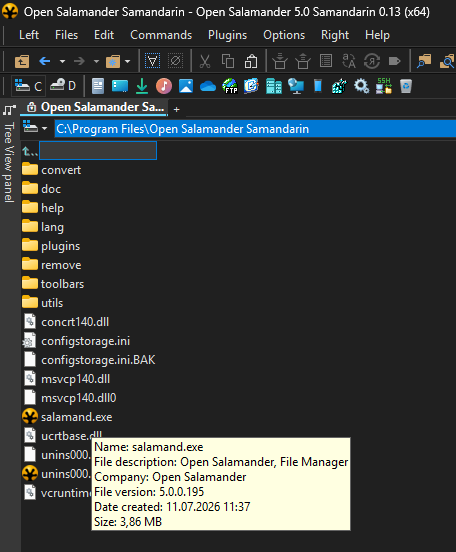
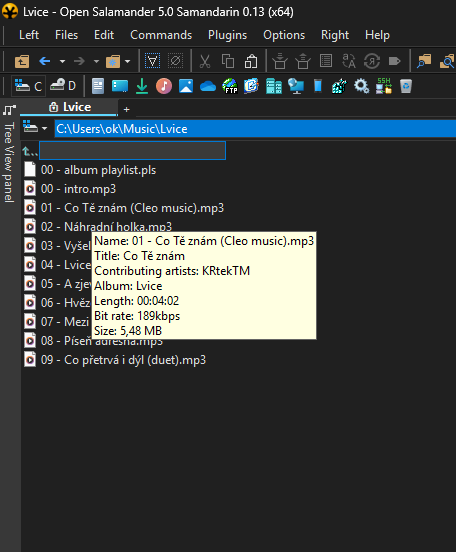
Panel item info tooltip with file detailsPanel item info tooltip with media details

Configurable Command Shell Application

  • Select dynamically discovered Windows Terminal profiles or configure a custom shell and command line.
  • Press Shift+Num / to open the configured shell as administrator.
Configurable command shell settingsWindows Terminal profile selection

Sortable result windows

  • Sort Find results, Registry Search results, and Batch Renamer previews in either direction by clicking a column header.
  • Optionally mix files with directories or registry keys with values while sorting.